Hexer
Custom styles
You can now add custom styles in Hexer. Here’s how you do it.
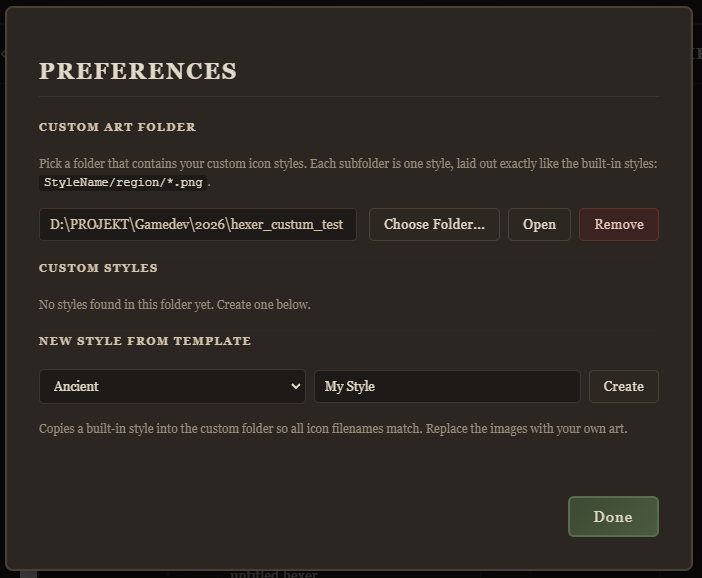
- Go to Edit > Preferences
- Select a custom art folder
- Under New Style From Template, pick a style to build from and set a name for it. Click Create.
- To to the folder that you set up for the custom art, there should now be a directory set up for your new custom style.
- You can replace the icons in the folder and even add new files. Supported file formats are PNG and JPG and recommended size is 256X256 px. Note that PNG with transparant background works best for locations.
Enjoy :D
Leave a comment
Log in with itch.io to leave a comment.