Hexer
A downloadable tool for Windows and Linux
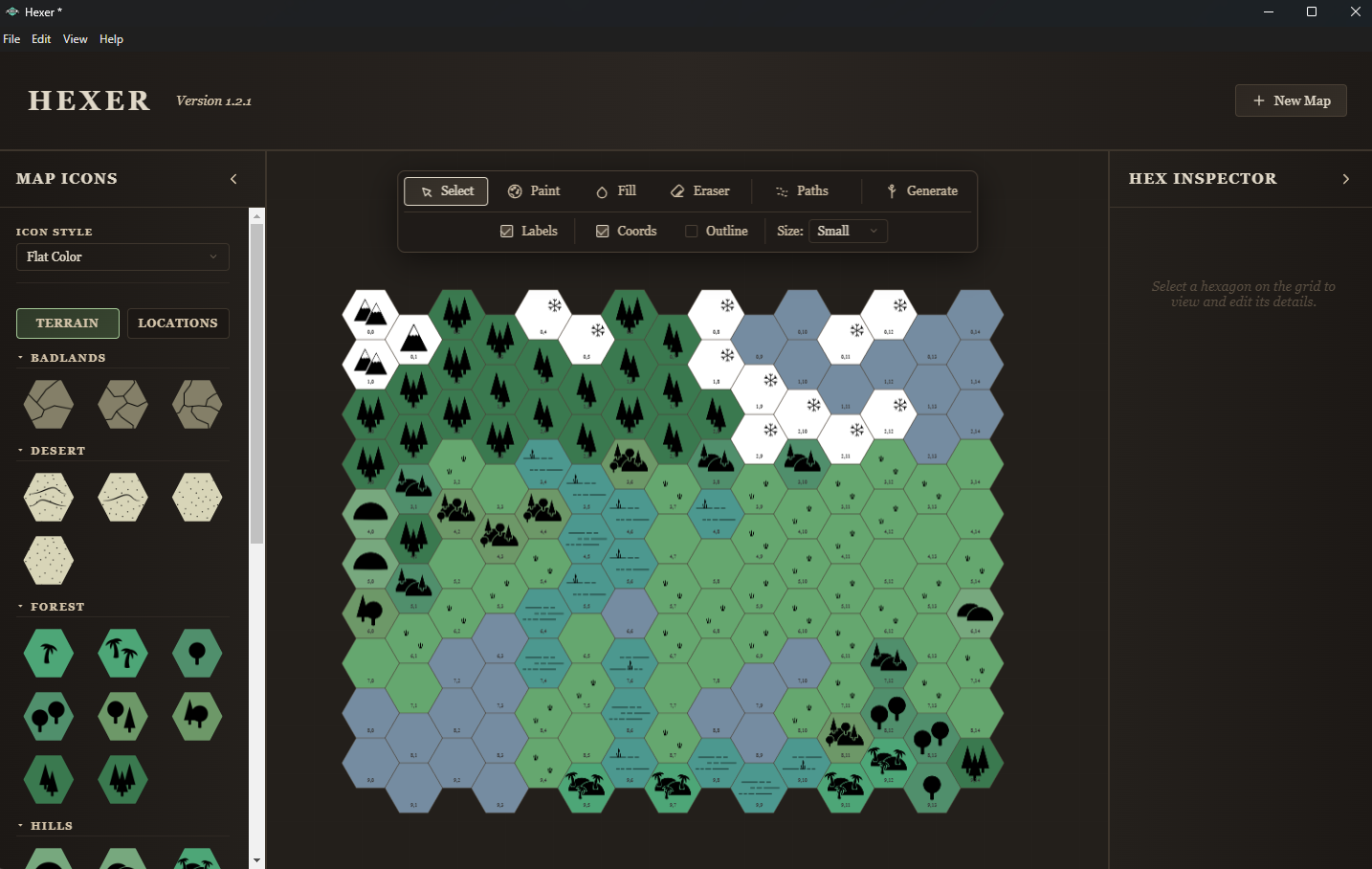
Create beautiful hexcrawl maps, manage locations and notes, and export everything you need for your campaign in one place.
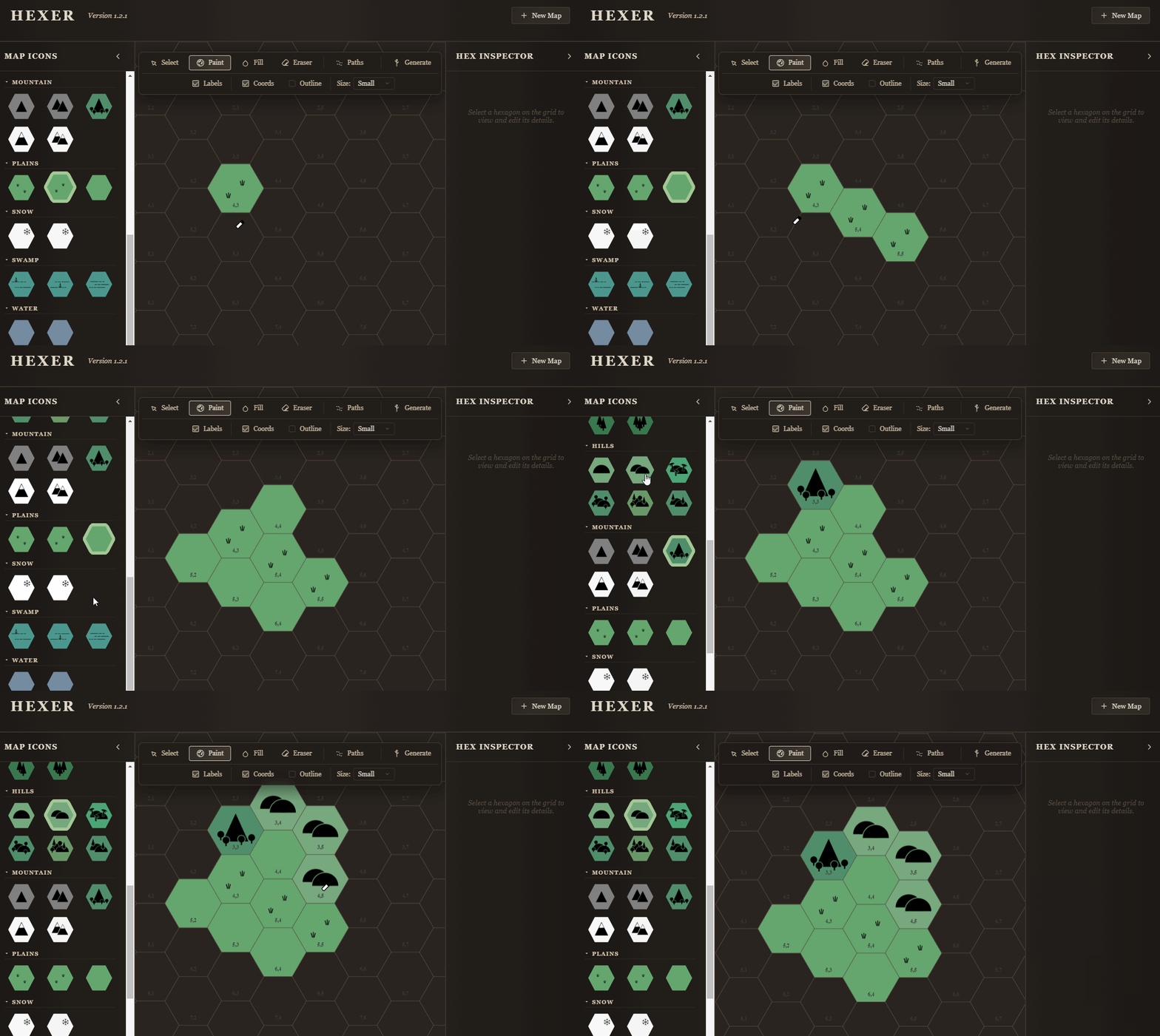
Manual Edit
Paint a map from scratch or edit a generated one.
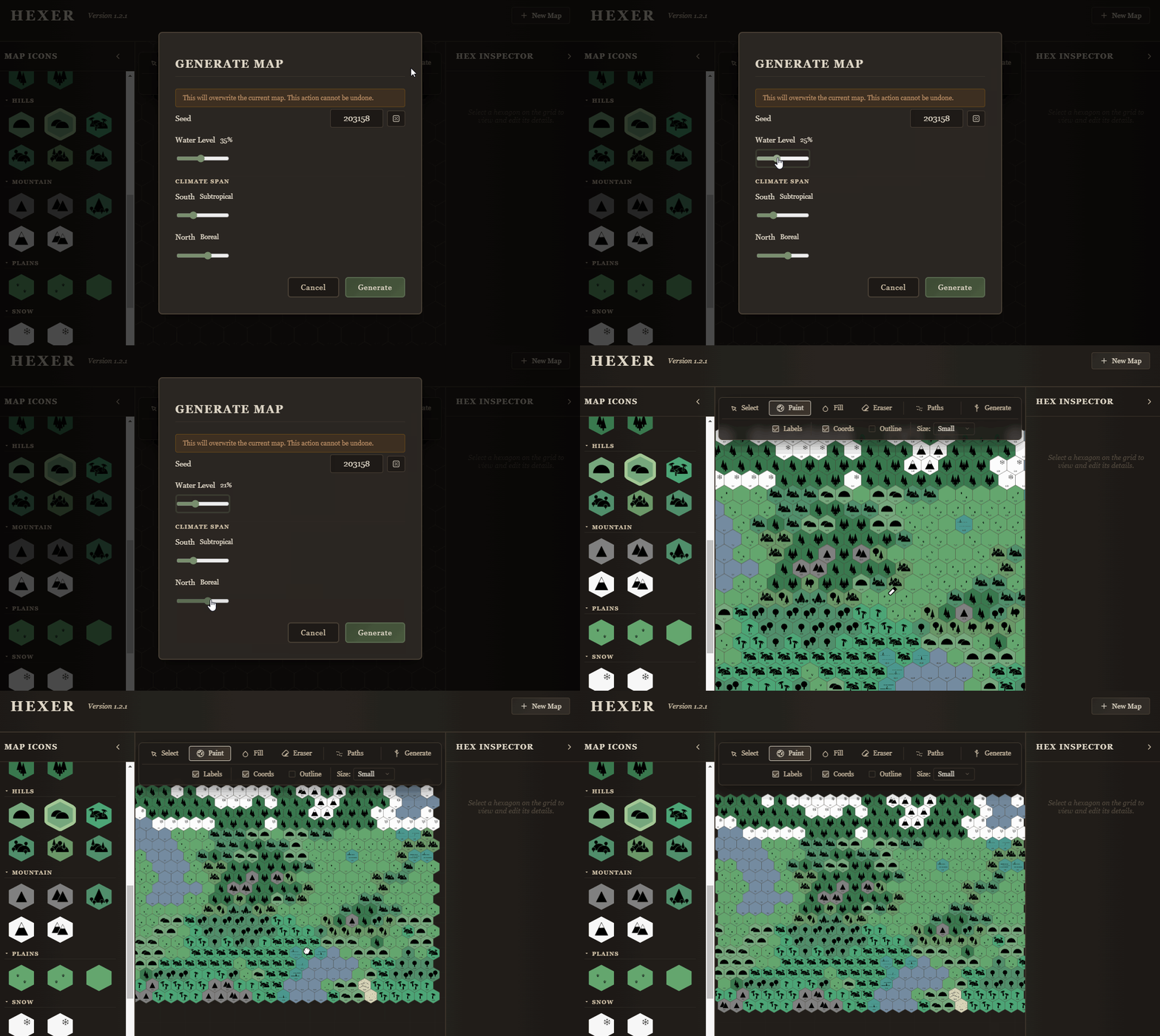
Random Generation
Generate maps with simple, intuitive controls.
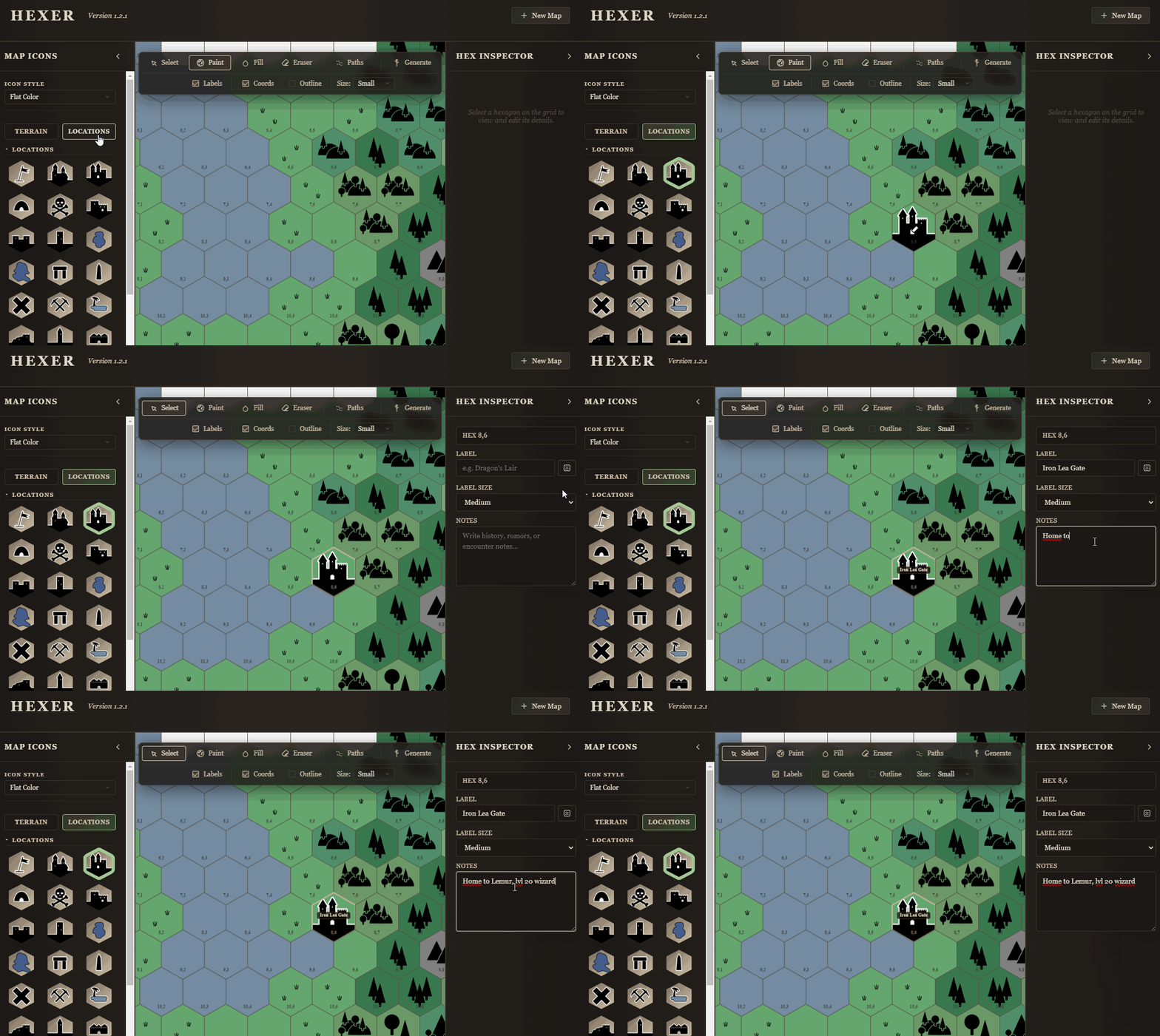
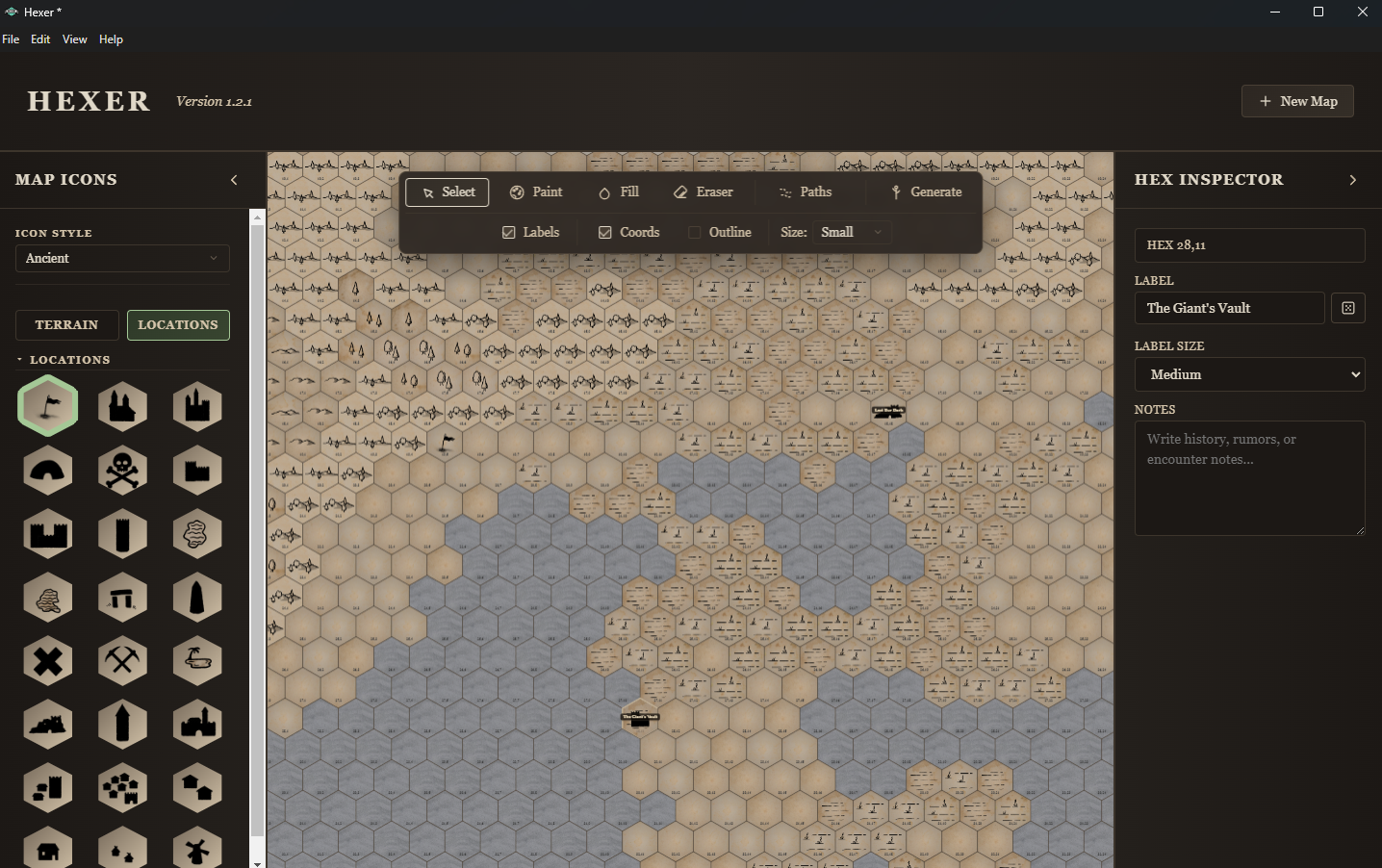
Add and Maintain Notes
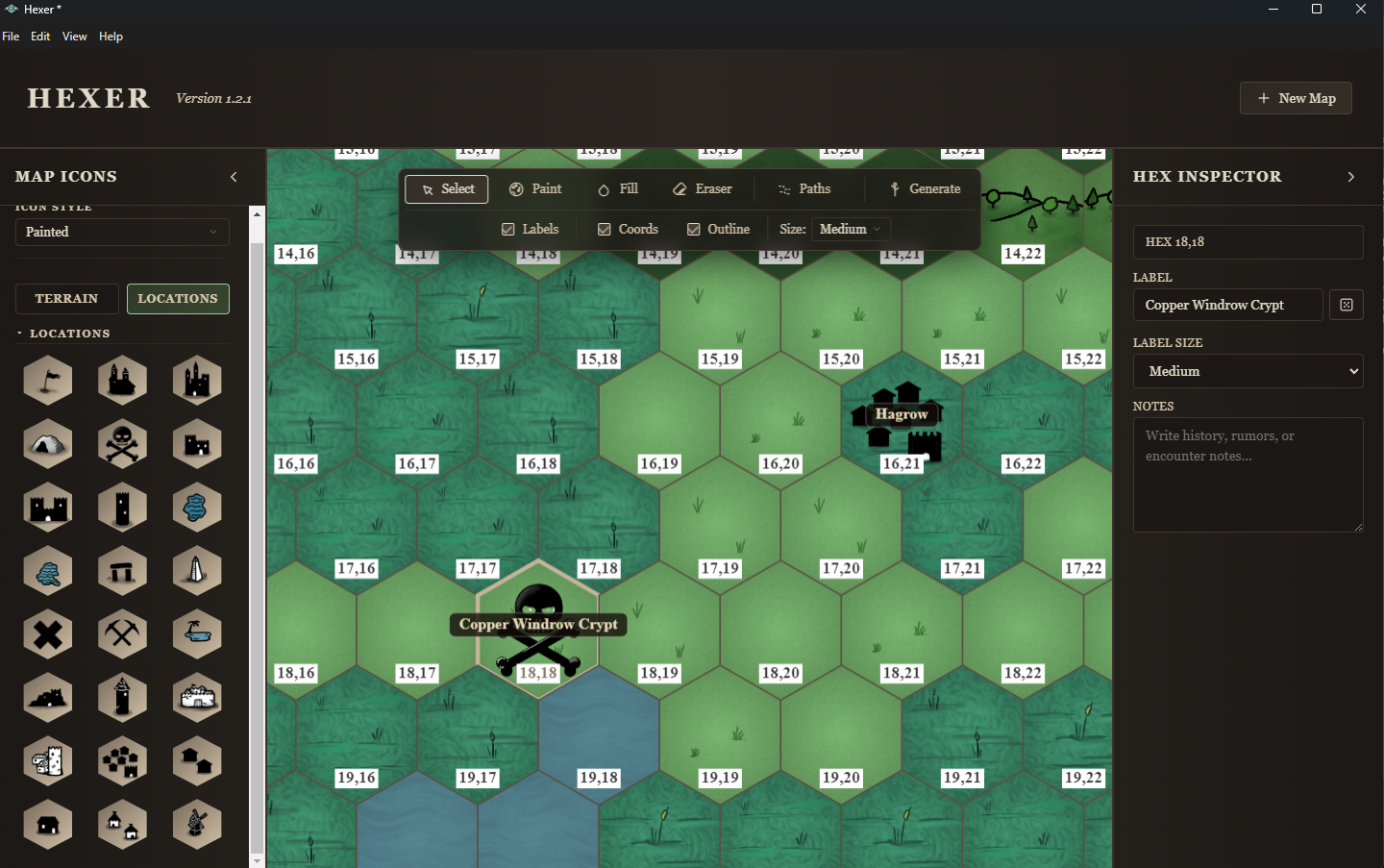
Add icons for locations, name them, and attach detailed notes.
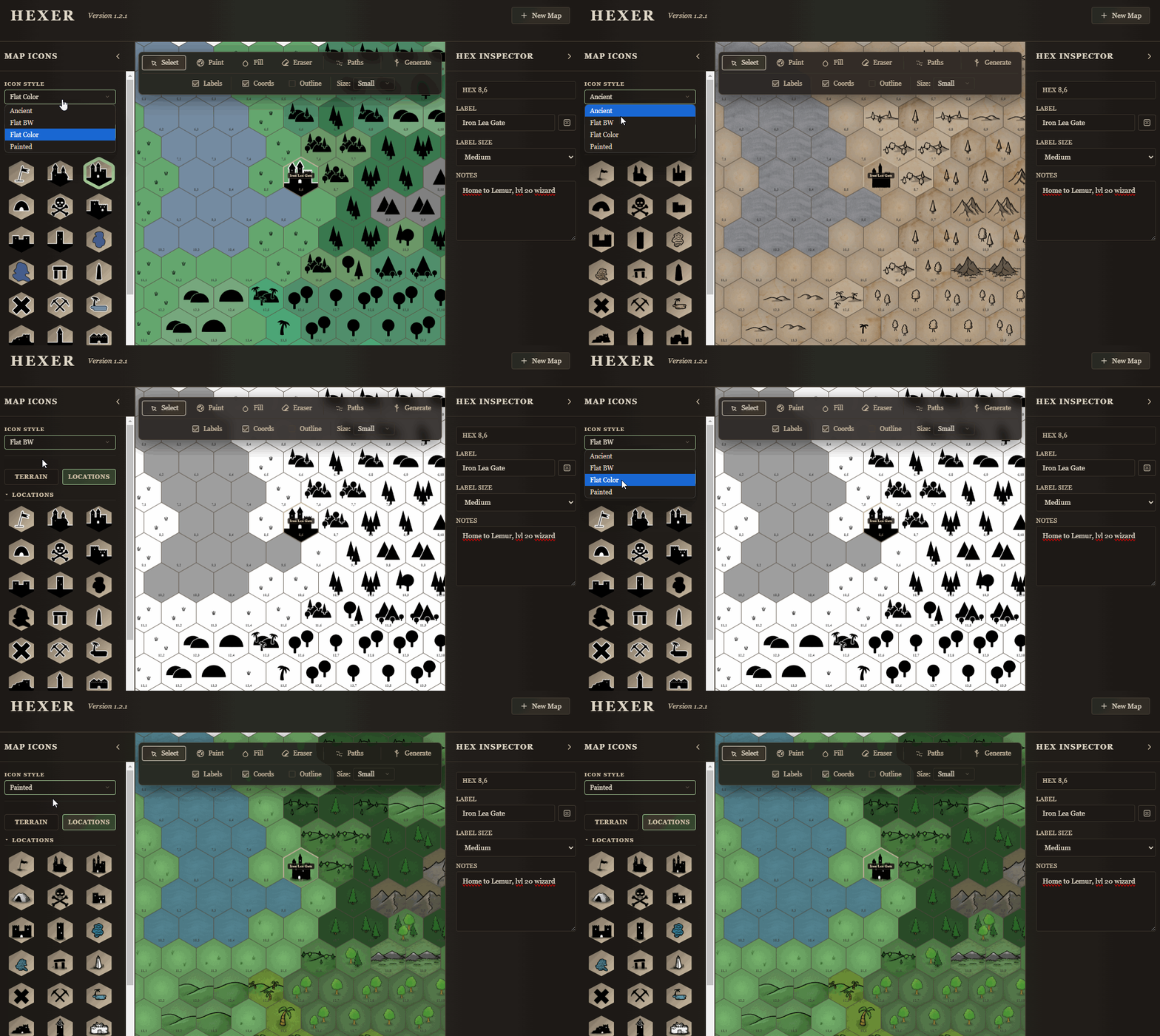
Dynamic Map Style
Change the map’s style at any time to fit your needs.
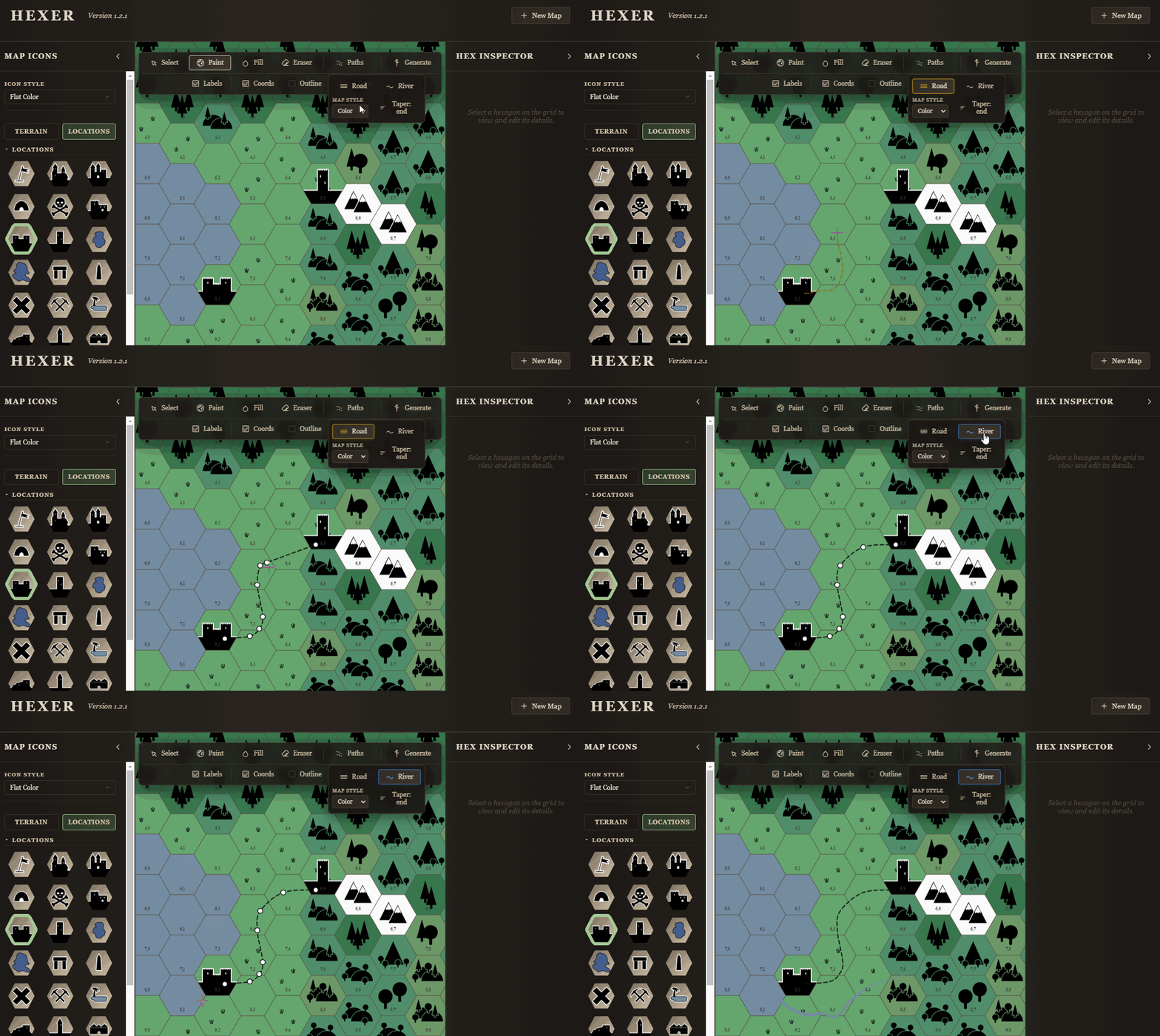
Roads and Rivers
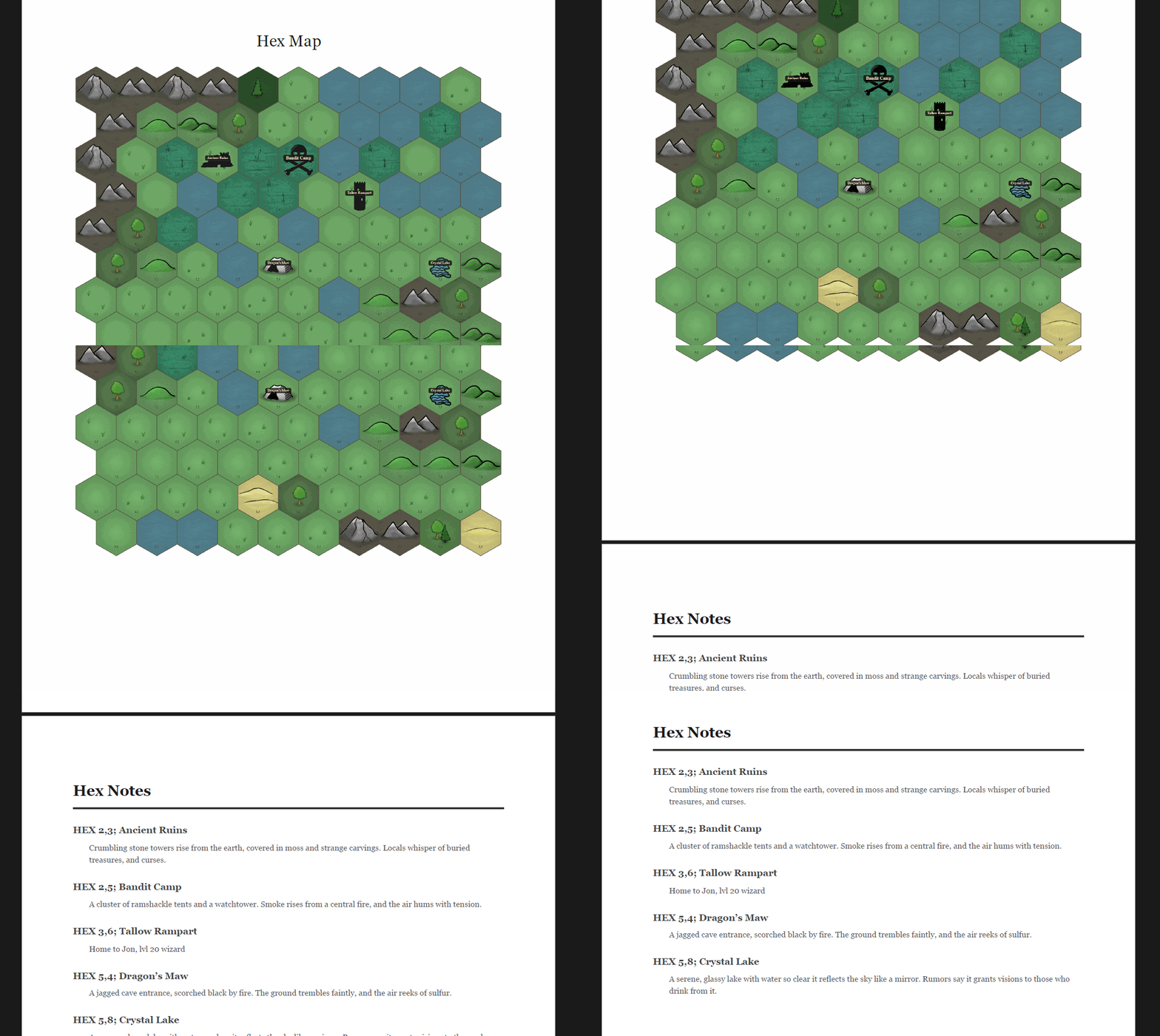
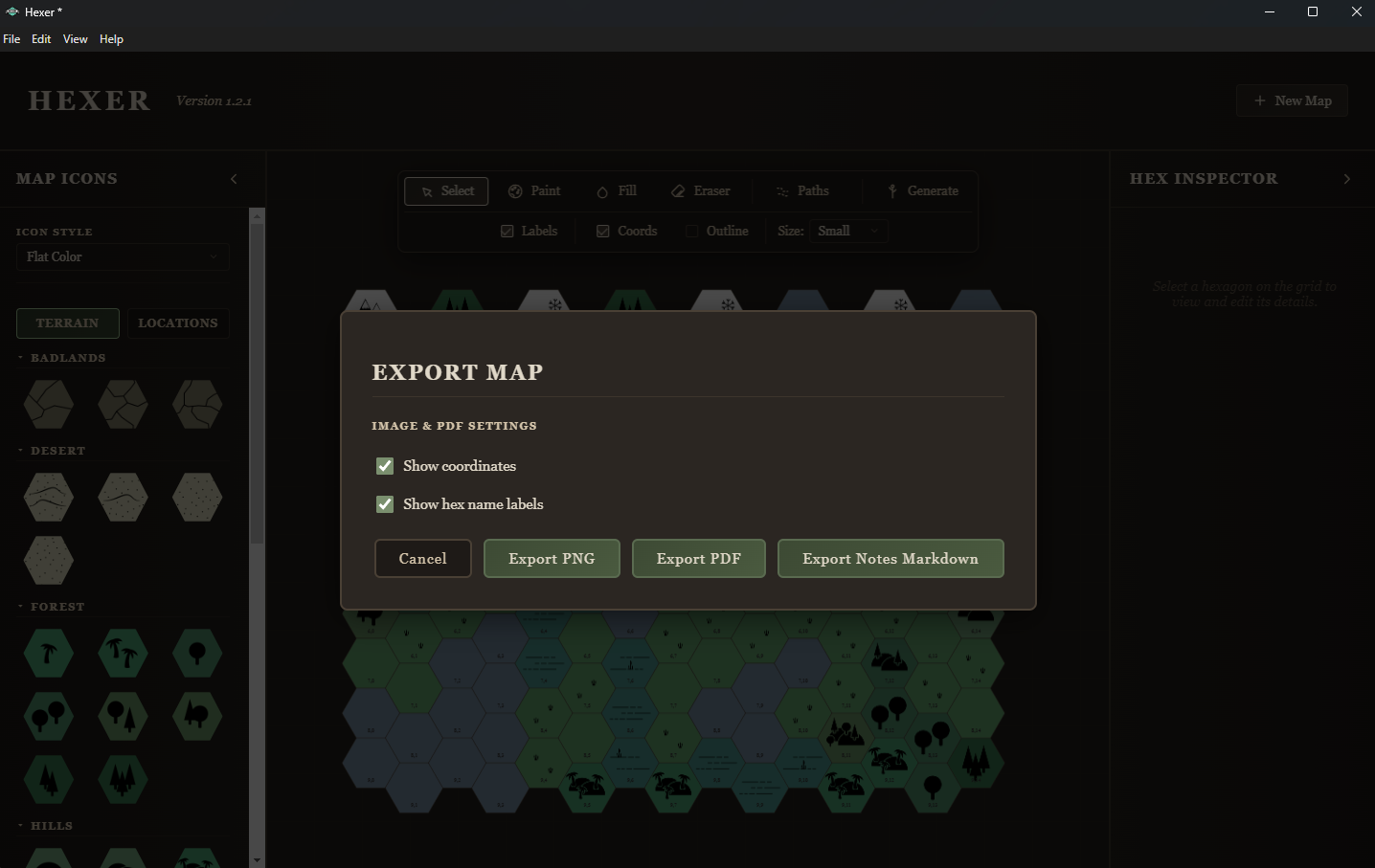
Export to PNG, PDF, or Markdown
Export your map as PNG or PDF (with notes included). Notes can also be exported as Markdown for easy integration into Obsidian or similar tools.
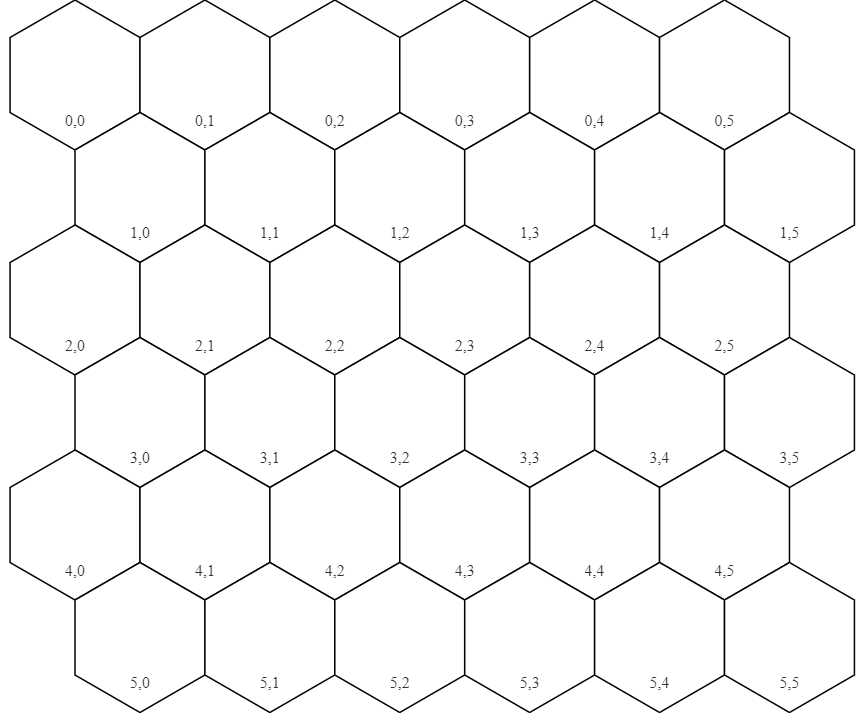
Export Player Map
Export a blank version of the map for players to track their travels.
Custom Styles
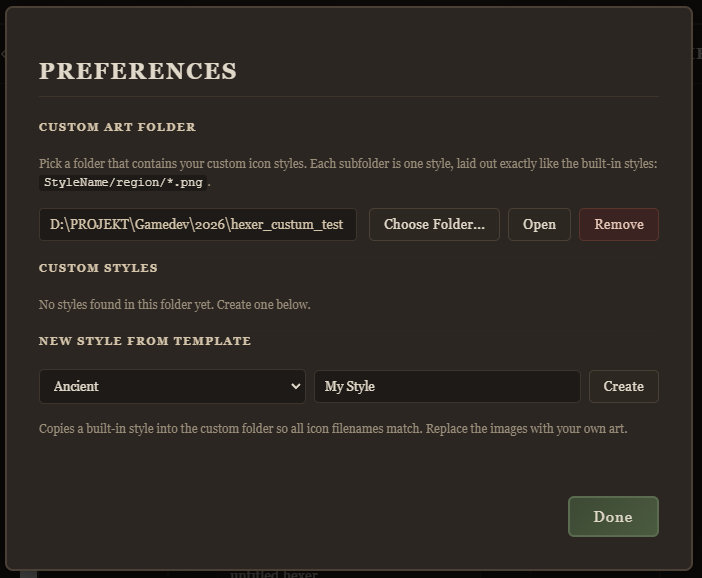
Set up a directory for custom styles. Support for png and jpg file formats.
License for Generated Maps
All hexagon art is handcrafted by me. You’re free to use exported maps however you like, even in commercial projects.
Roadmap
The app is fully functional, but if you encounter bugs, let me know and I’ll fix them as soon as possible. Have ideas for new icons? Share them, and I’ll likely add them in the next update.
I can build Hexer for Mac, but I need an expensive developer subscription to do so. I'll do it if I notice there's a lot of interest.
Purchase
In order to download this tool you must purchase it at or above the minimum price of $4.99 USD. You will get access to the following files:
Development log
- Roads & Rivers15 days ago
- Custom styles36 days ago
- Beta Version 1.184 days ago
Comments
Log in with itch.io to leave a comment.
Does Hexer support sub-hexes? i.e. being able to zoom in to a hex, to see and edit a hexmap of smaller scale?
I love the idea, but I don’t plan to add sub-hexes. My goal for Hexer is to stay simple and tiny and it only makes single layer maps. However, nothing stops you from creating several maps to create that structure manually.
The previews look very nice, I am wondering if Hexer supports flat top hexes.
Thank you! It does, when you create a new map you have the option to set flat or pointy hexagons.
Nice tool!
Some friendly suggestions for improvements:
- Rivers! Roads! If it were possible to make them connect dynamically, that would be even cooler.
- Would be nice if it were possible to add several icons to the same hex, and have them change size dynamically to fit.
- Option to import your own art resources.
- Panning.
Thank you so much for your purchase and the feedback. I will put it on my list! Panning and zooming is supported already, but you have to use the scroll wheel on a mouse. I’m assuming you’re using a laptop, and that’s why it’s not working for you. I will prioritize adding some laptop-friendly solution for that.
That's right, I'm on a laptop. Zooming works fine.
I added a tiny hotfix so you can press space and drag to pan. Uploaded as version 1.0.1 now so if you download that and run the installer, it should work.
Hm, does not work on my Linux machine. The hand icon appears, and if I press the trackpad button it clenches, but the canvas doesn't actually move.
Hmm, tough. I have tested on Ubuntu desktop and windows laptop, but not on a Linux laptop. Hard to debug, without knowing what Linux-disto and hardware you’ve got, but I’ll try to figure out how to fix it.