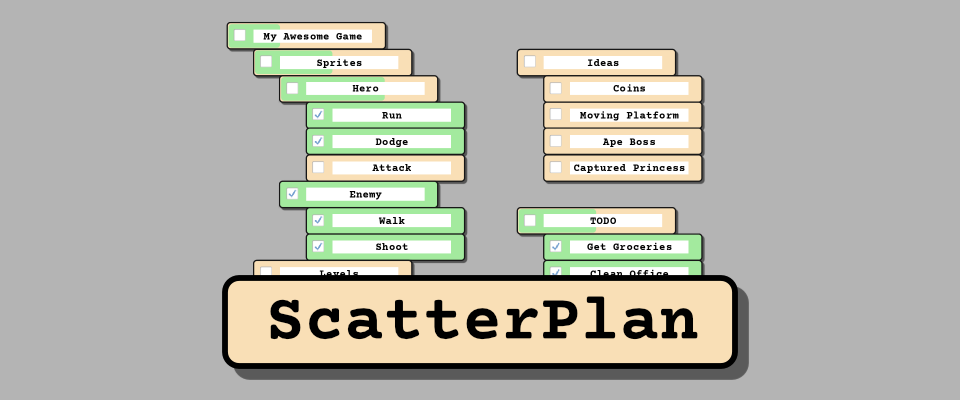
ScatterPlan
A downloadable tool for Windows and Linux
What is ScatterPlan?
ScatterPlan is a tiny, local-first task management app built for creators, hobbyists, and anyone whose brain tends to jump between ideas. Instead of forcing you into a specific system, it gives you a flexible space where tasks can be sorted, grouped, dragged, scattered, and reorganized however you like.
No accounts. No cloud syncing. No subscription. Just a clean little planner that lives on your machine.
Why I made it
I wanted a project planner that didn’t overwhelm me — something simple, smooth, and fun, especially for small personal projects like game development. Most task tools feel too big, too opinionated, or too online. So ScatterPlan became a tool for people like me who just want:
- A place to dump ideas
- A place to organize them quickly
- A workflow that changes with the project, not the other way around
- Everything stored locally, in a format you can actually read
Key Features
🔒 Local-First & Private
All your data is saved in a single JSON file on your device. Easy to back up, sync manually, or even edit by hand if you ever want to. Store it in your git repo and sync it with your commits.
🪶 Tiny, Fast & Lightweight
Launches instantly. No heavy frameworks, no bloat, no unnecessary screens.
🎨 Soft, Clean Look (with themes!)
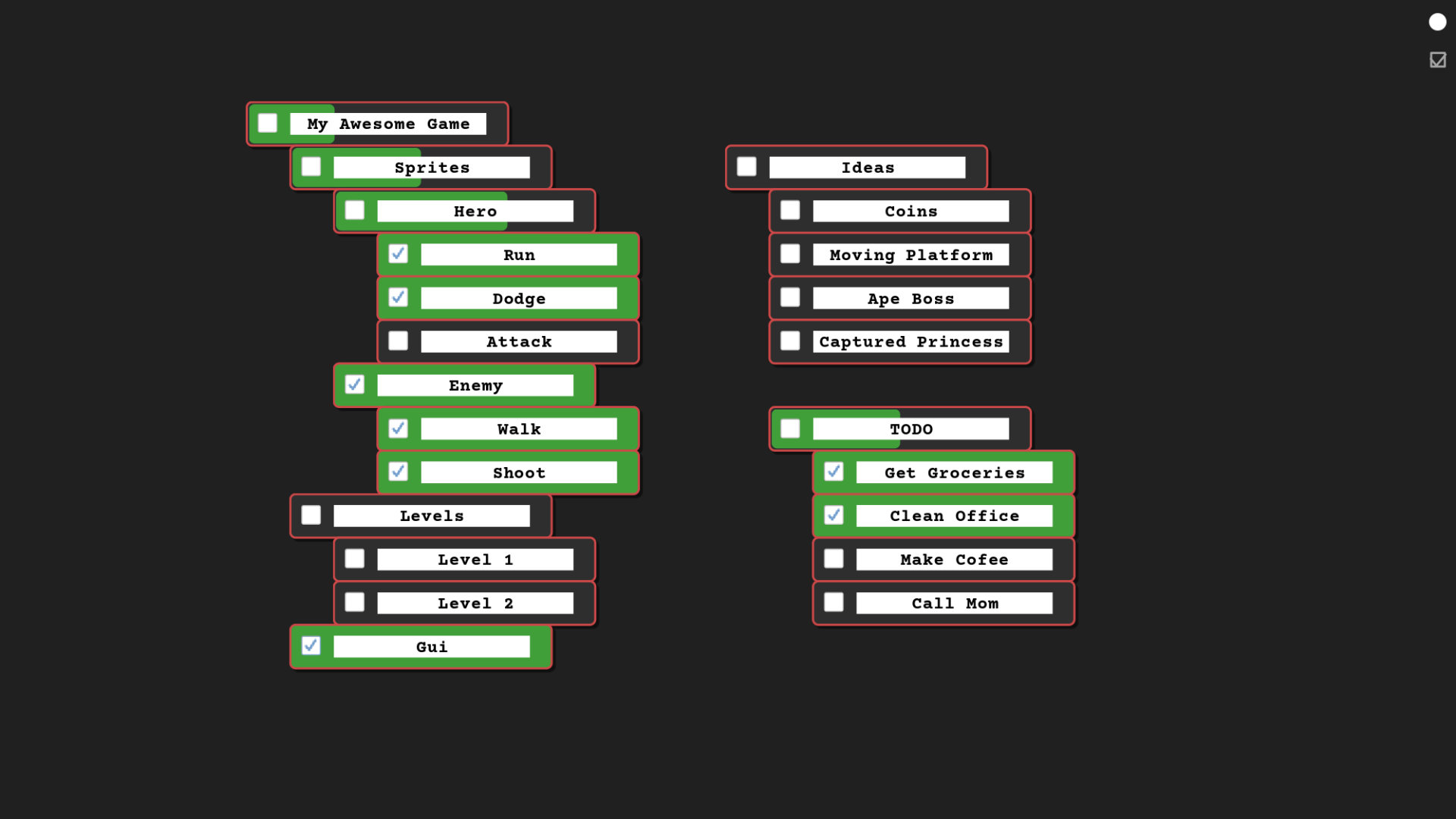
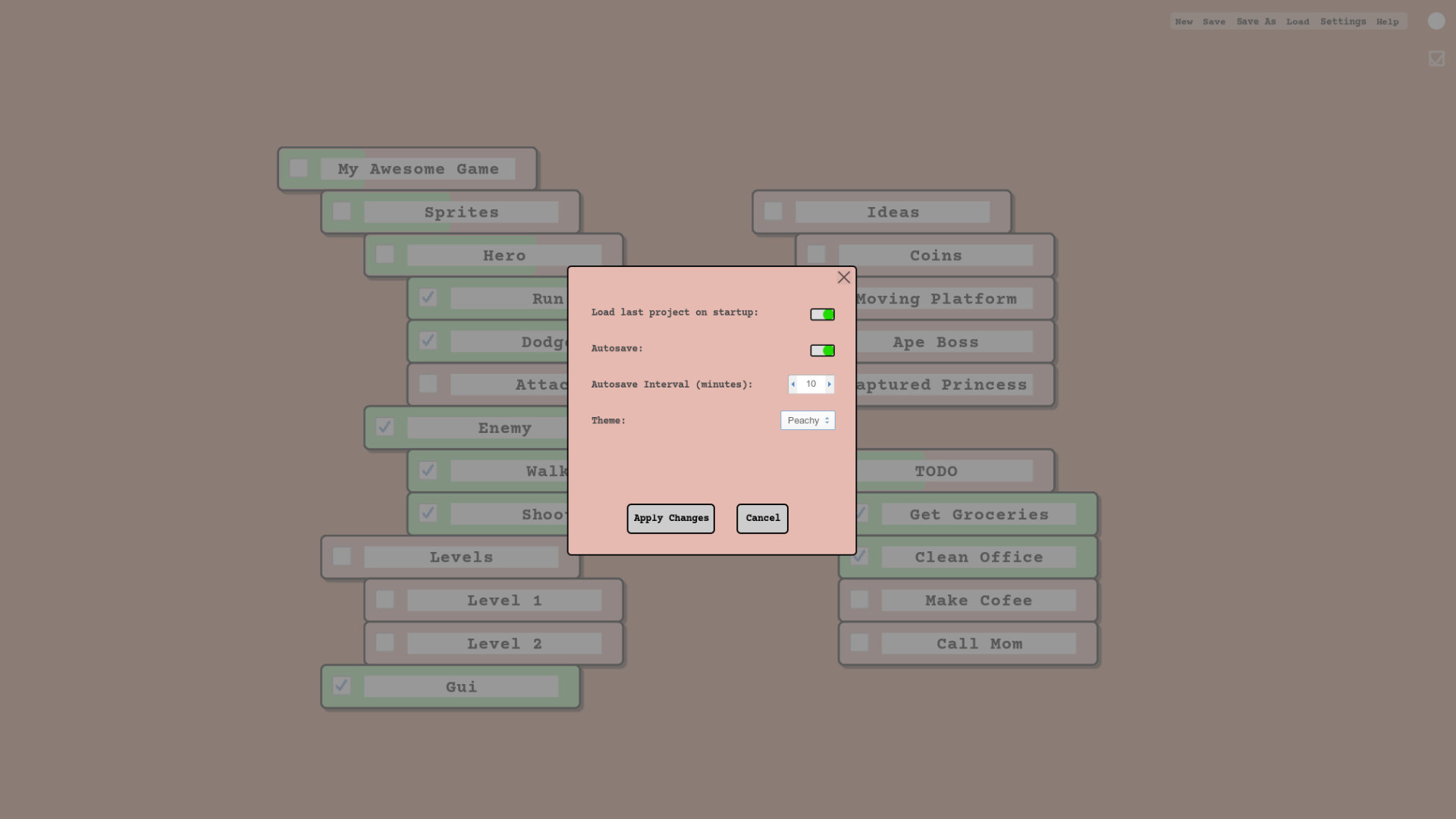
ScatterPlan is designed to feel calm and comfortable, with gentle UI and multiple themes to match your mood or workflow.
🧩 Flexible Workflow
You’re not forced into kanban or scrum or a rigid hierarchy — you decide how to use it.
Use it as:
-
a kanban board
-
a mini-scrum board
-
a simple checklist
-
a mood board of tasks
-
an idea dump
Or mix them however you want.
🕹 Great for Small Creative Projects
Game dev, writing, art projects, experiments — anything that benefits from a simple visual overview.
😄 Fun to Use
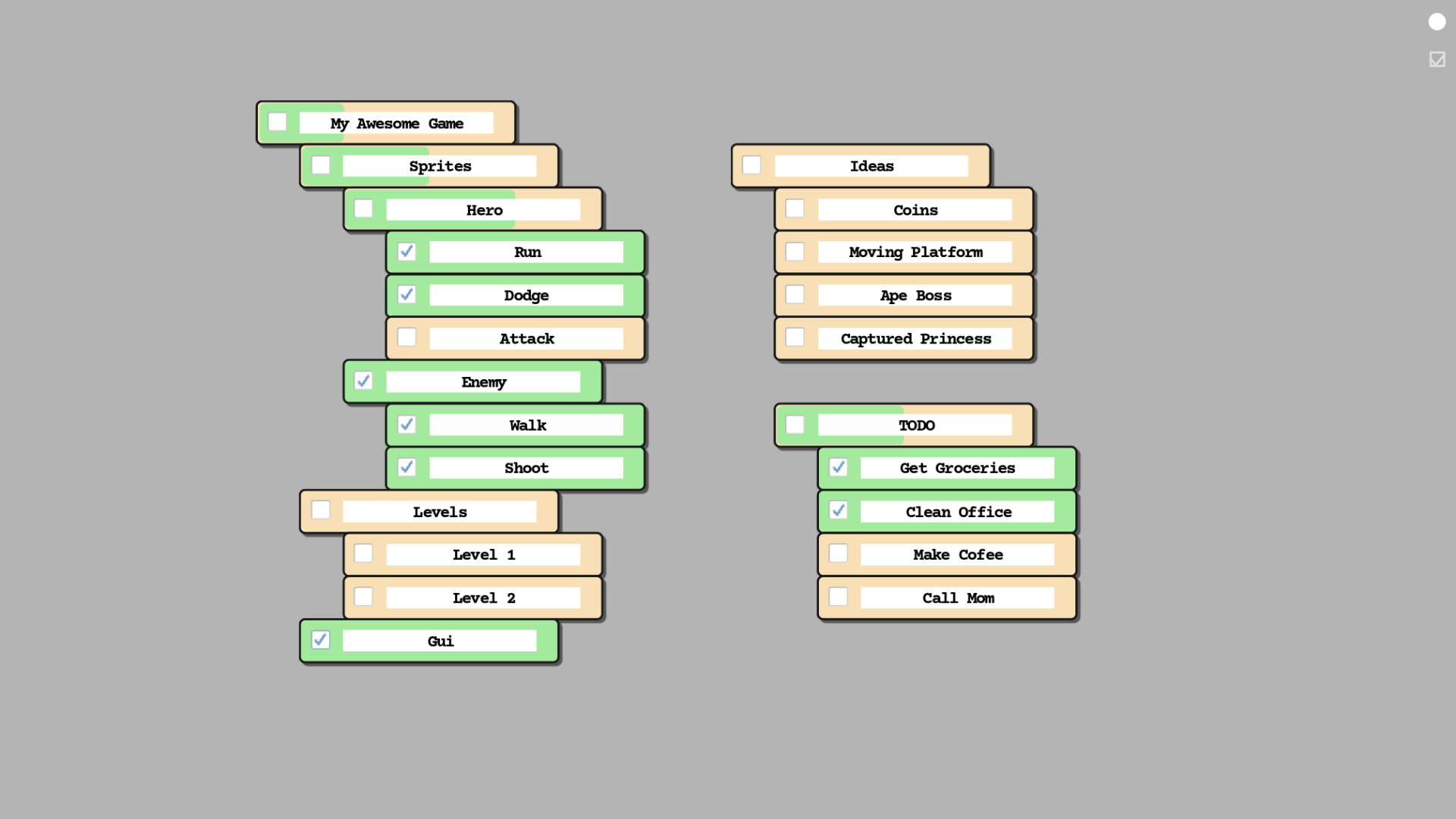
ScatterPlan is designed to feel smooth, playful, and intuitive — the kind of tool you enjoy opening. Tasks have semi-intelligent snapping that helps you line things up without ever feeling rigid. There are subtle animations everywhere to keep the flow satisfying as you move things around.
Creating new tasks is quick and natural:
-
Double-click a task to instantly create a new task below it.
-
Place a task slightly offset beneath another to turn it into a subtask — no menus, no settings, just spatial logic.
It feels like arranging sticky notes on a desk, except the desk helps you keep things tidy.
Roadmap
The app is fully functional but still in BETA and may still have some minor bugs. I will upload new versions as soon as I make meaningful changes.
Download
Click download now to get access to the following files:
Development log
- Focus timer addedMar 20, 2026
Leave a comment
Log in with itch.io to leave a comment.